Our account opening process is digital
Steps to open your Savings Account
1
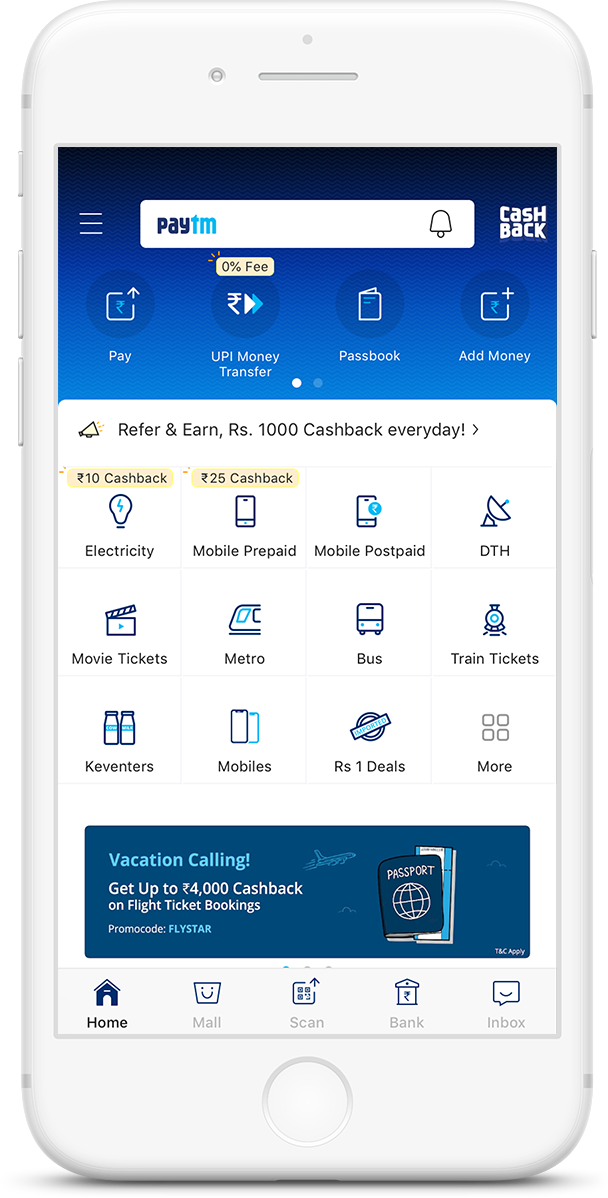
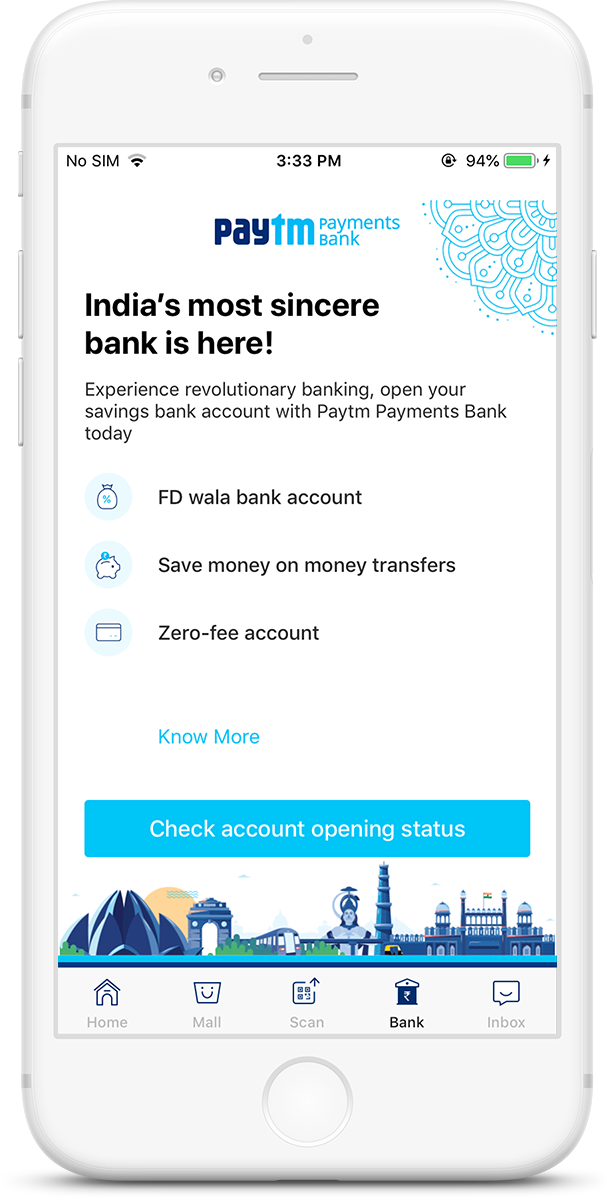
Download the latest version of Paytm App.Open & click on Savings Bank Account icon.
2
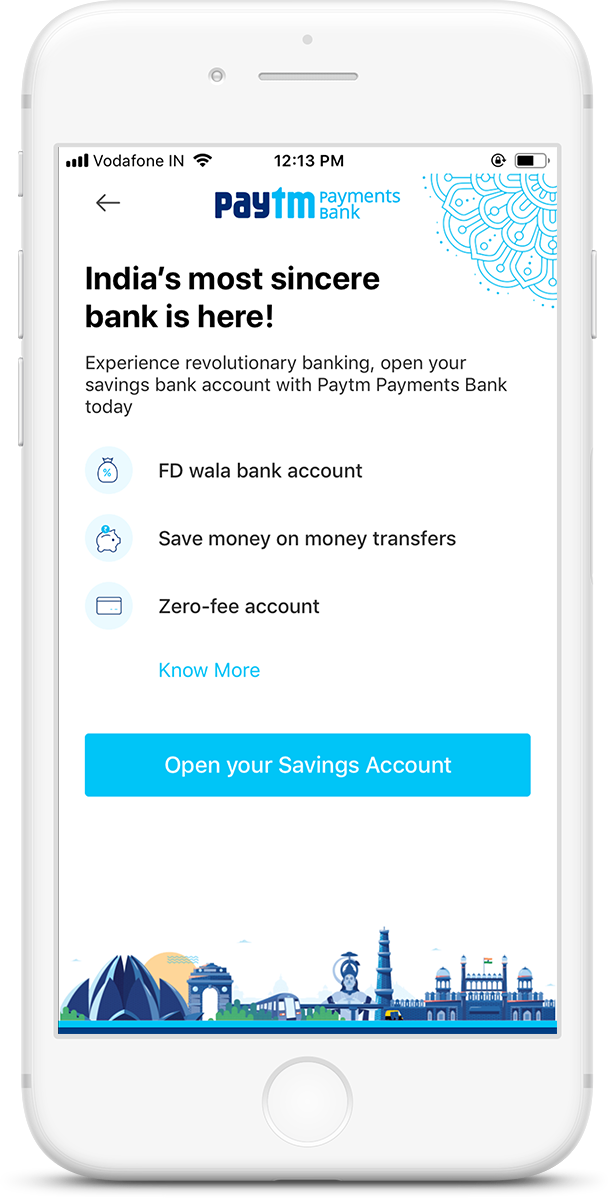
Read the T&Cs and click on Proceed.
3
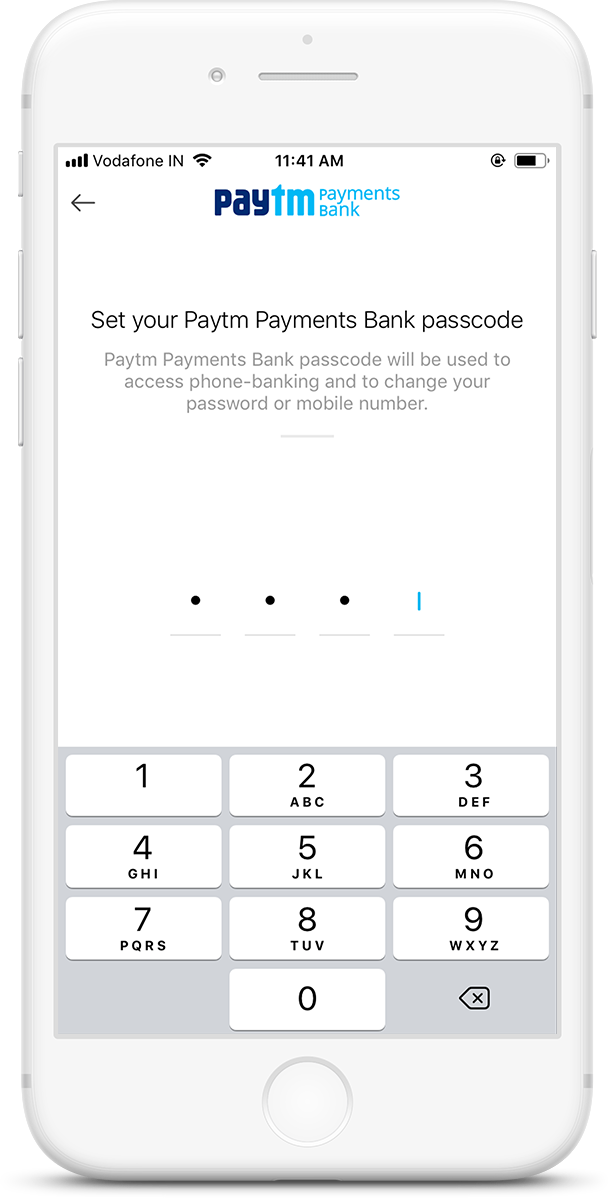
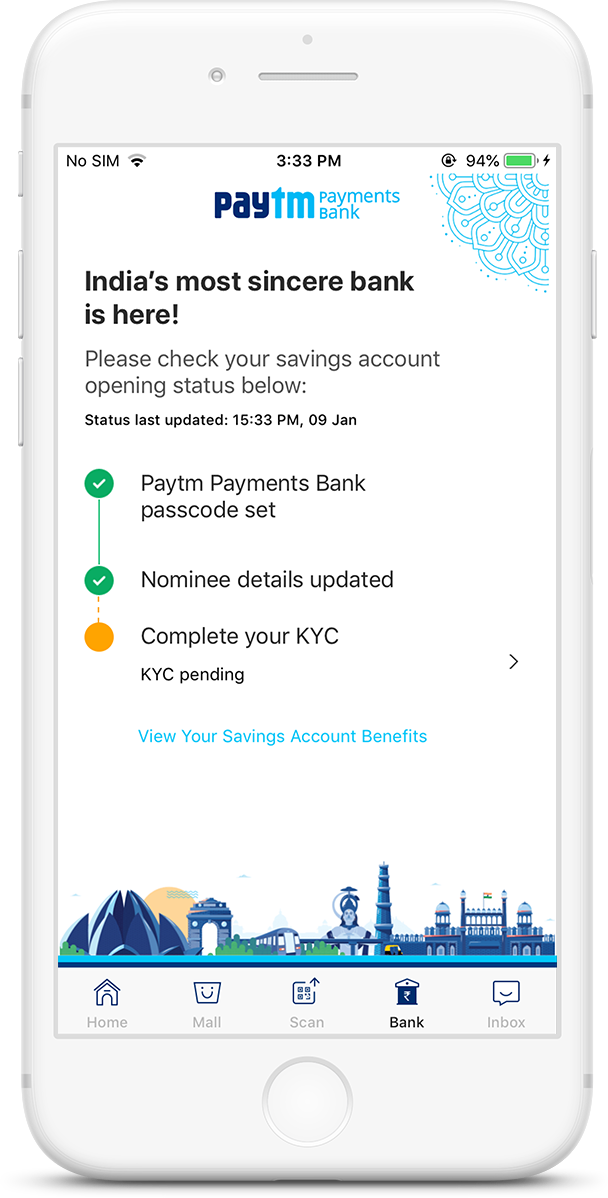
Enter & confirm your Passcode
4
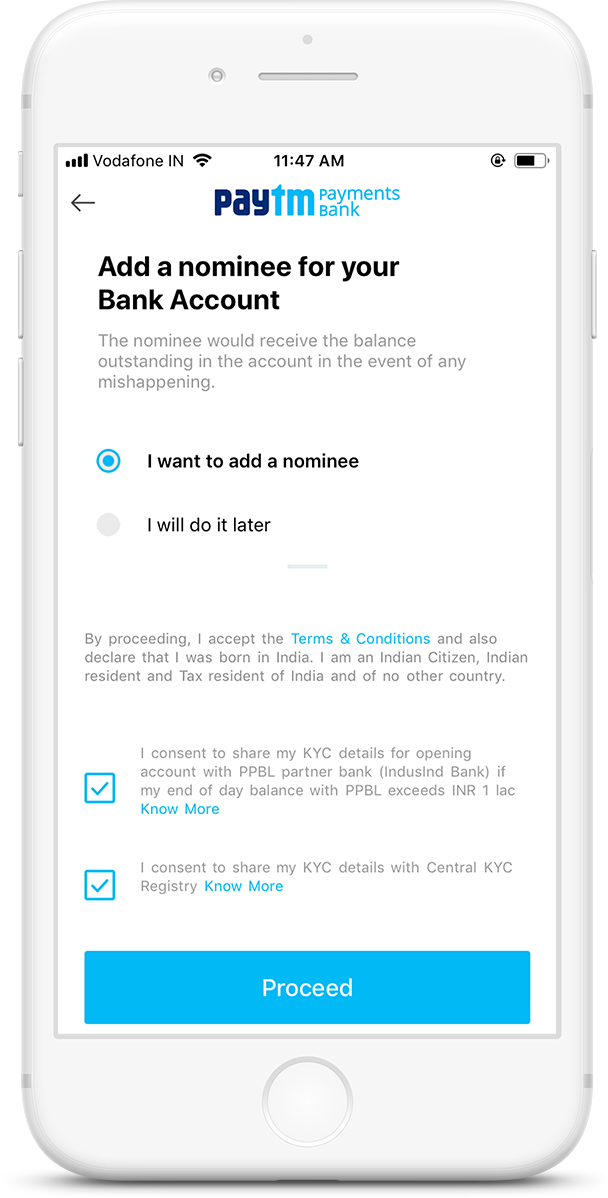
Add a nominee & fill in all the necessary details
For KYC Customers
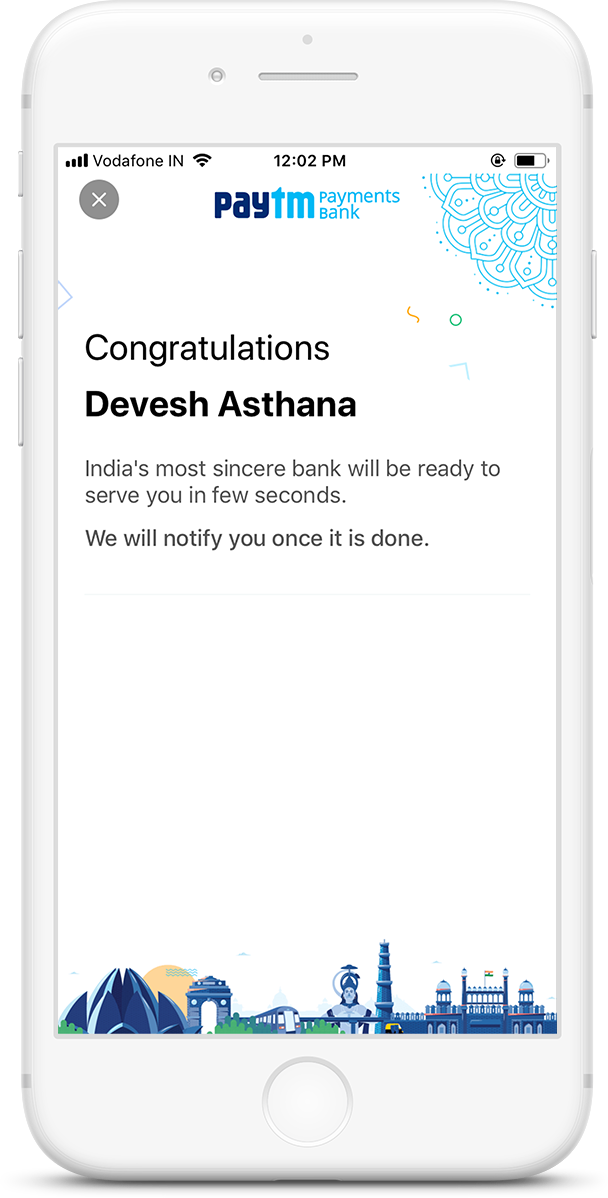
Your Savings Account will be opened in a few minutes
5
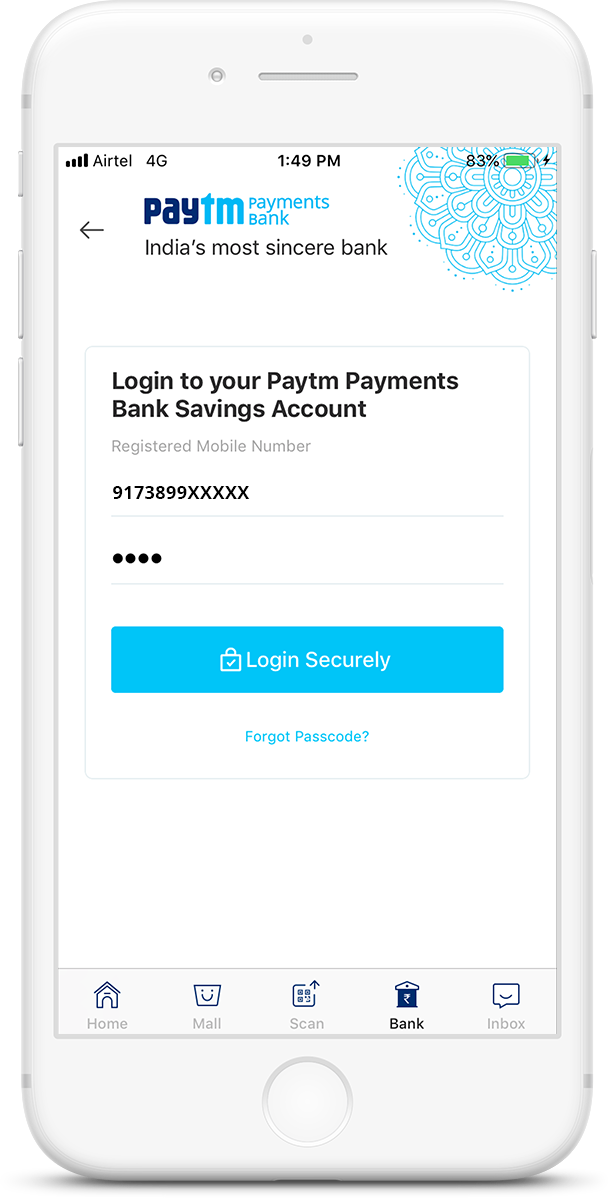
6
For first time customers
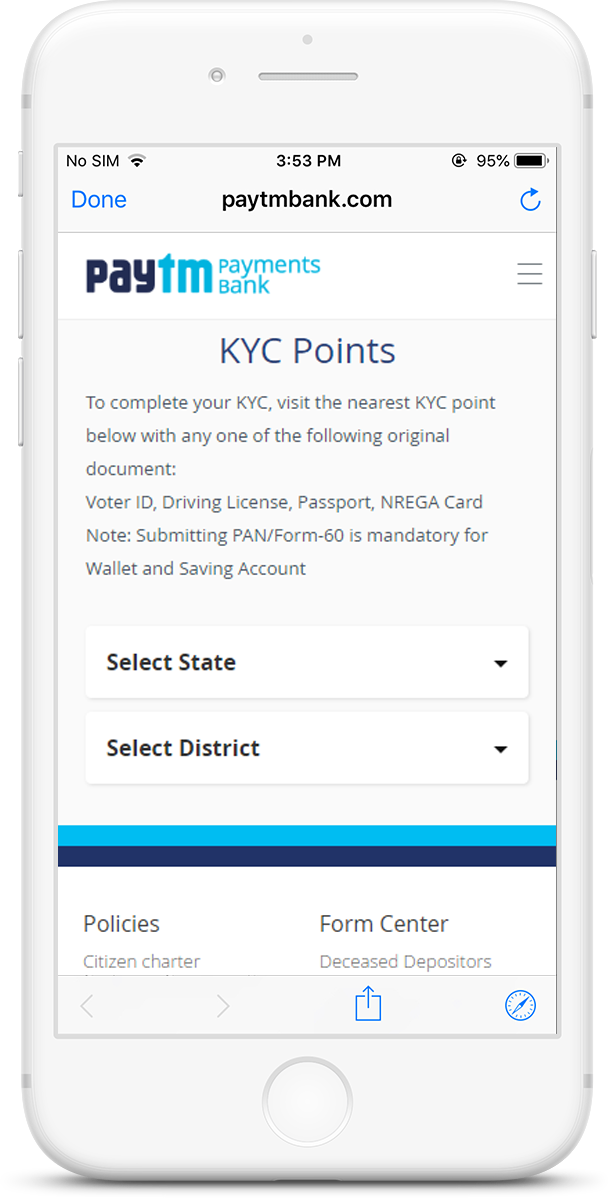
To complete your KYC, visit the nearest KYC point below with any one of the following original document: Voter ID, Driving License, Passport, NREGA Card
Note: Submitting PAN/Form-60 is mandatory for opening a Savings Account
5
6
7